Free Chrome Extension

Never Lose Your AI Conversation Again

TokN Tracker shows your token usage in real time across Claude, ChatGPT, Gemini, Grok and more — and saves your full context with one click.

🚀 Add to Chrome — It's Free Watch Demo
Works on Claude · ChatGPT · Gemini · Grok · Perplexity
🤖
💬
🌐
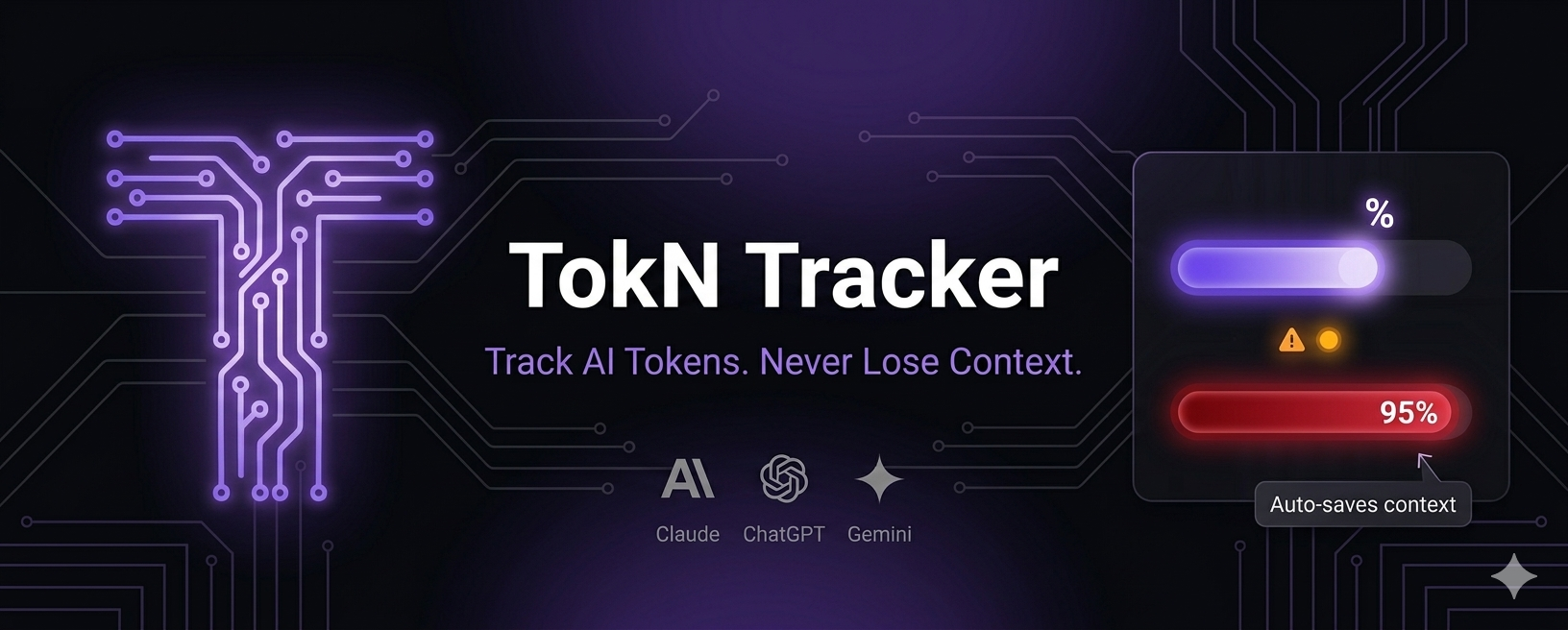
TokN Tracker Banner

See It In Action

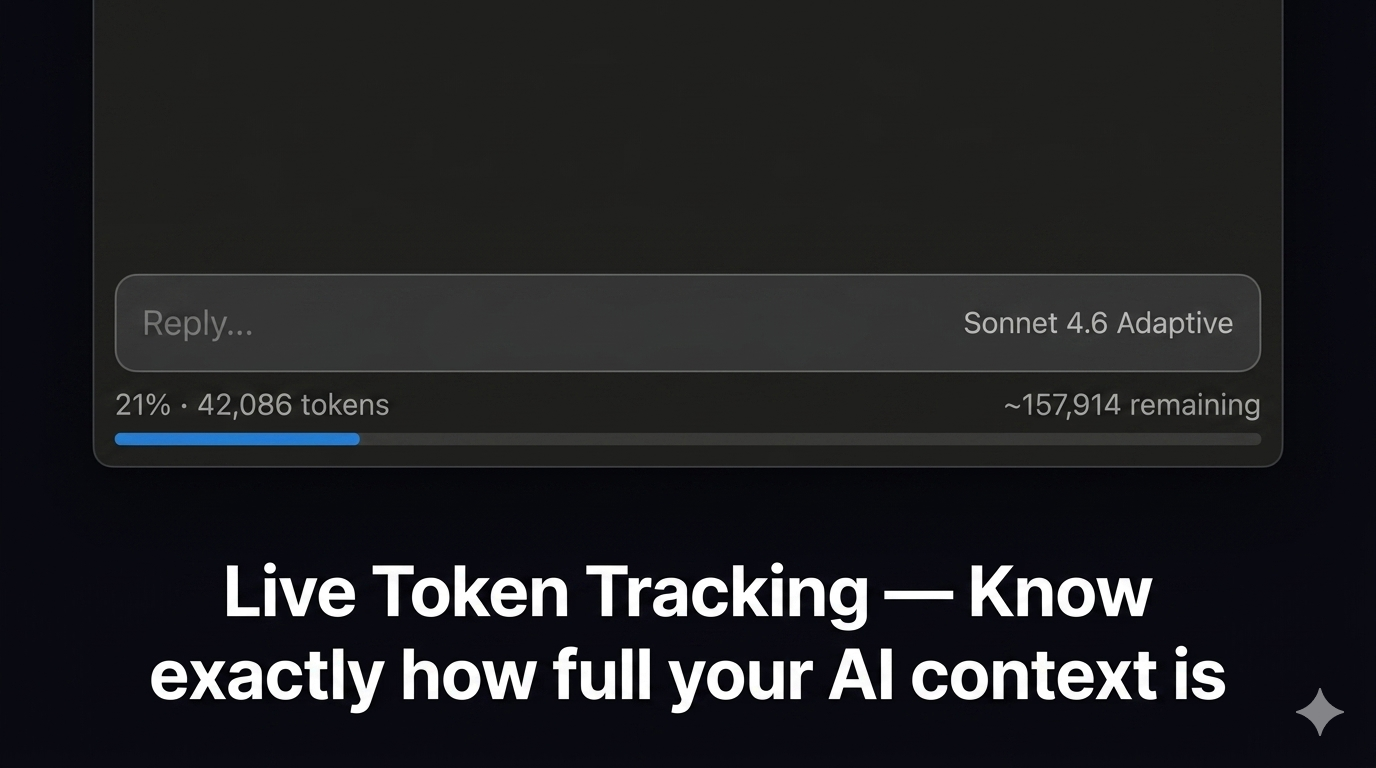
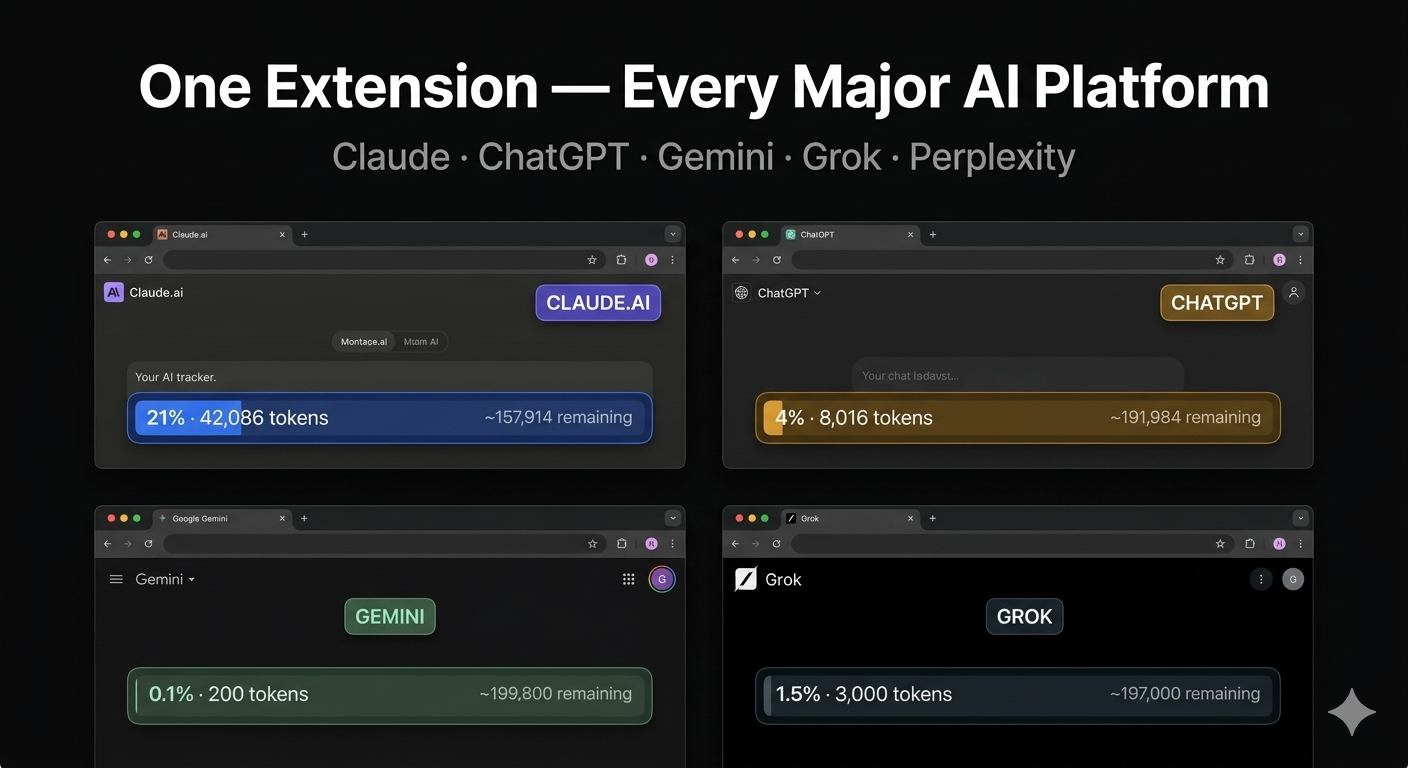
Live token bar
Live token bar appears below every AI chat input
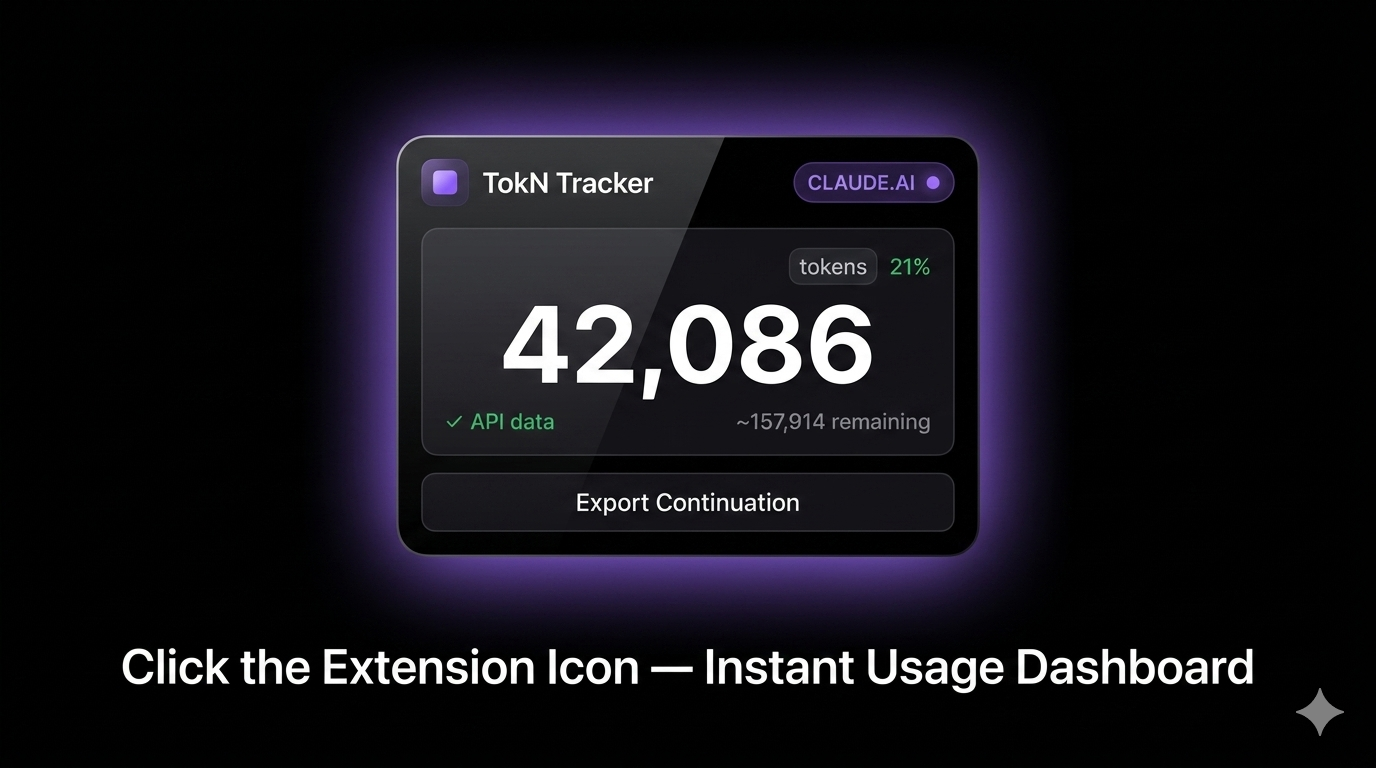
Popup dashboard
Popup dashboard shows exact usage with API accuracy
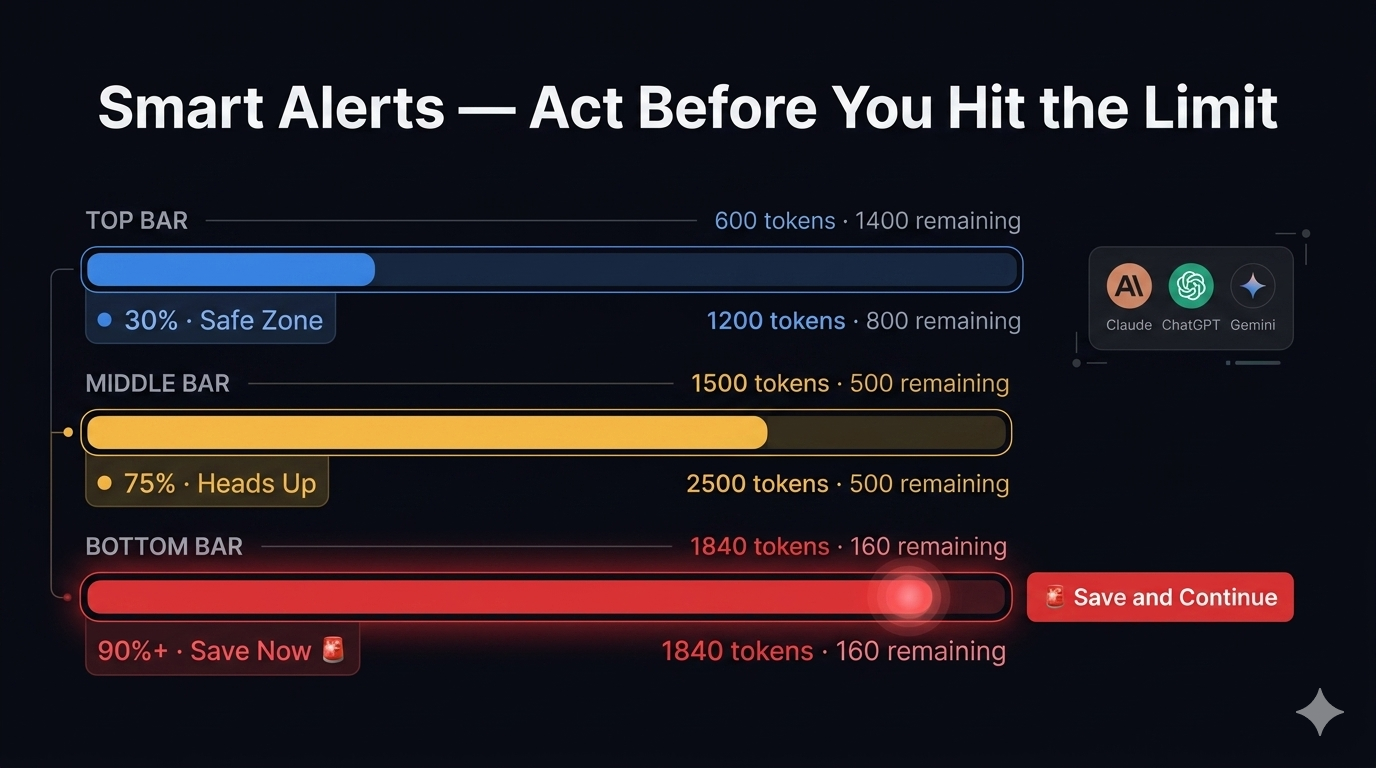
Color-coded warnings
Color-coded warnings: Blue → Amber → Red
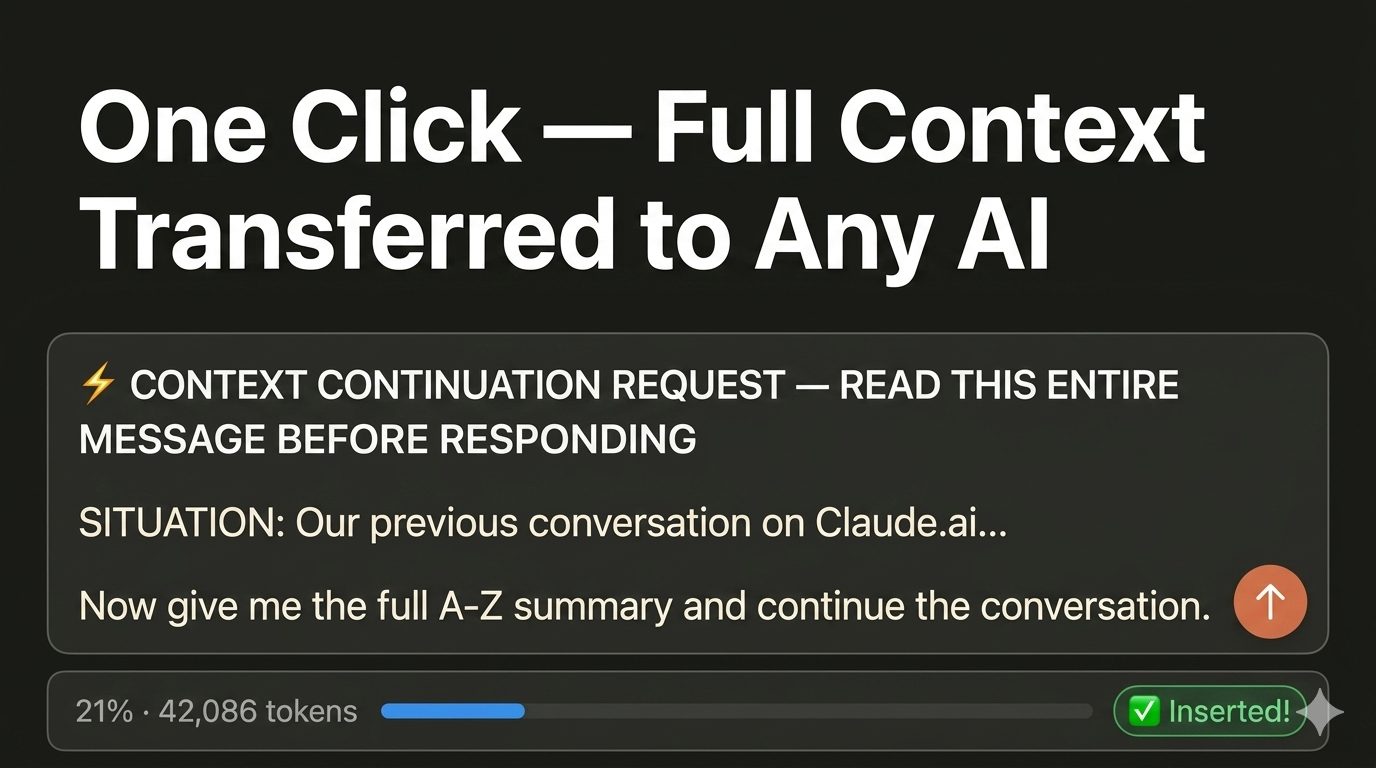
Nuclear Continuation Prompt
One click inserts full context prompt automatically
Universal AI Support
Works across all major AI platforms

Everything You Need

📊

Live Token Bar

A real-time progress bar appears below every AI chat input. Blue at 0–74%, Amber at 75–89%, Red at 90%+.

🚨

Nuclear Continuation Prompt

When you hit the red zone, one click auto-inserts a powerful prompt that transfers your FULL conversation to any new chat. Zero context lost.

🌐

Universal AI Support

Works on Claude.ai (200k), ChatGPT (128k), Gemini (1M), Grok (131k), Perplexity and more.

Accurate Counting

Claude uses direct API interception for near-exact counts. All others use BPE o200k tokenizer — same as GPT-4o.

🔒

100% Private

No servers. No tracking. No account needed. All data stays in your browser. Your conversations never leave your device.

🔄

Auto Context Save

Automatically builds a full A-to-Z summary of your conversation. Paste into any AI and continue instantly without re-explaining anything.

Watch How It Works

Install TokN Tracker and never hit a context wall again

Add to Chrome Free

Get Started in 30 Seconds

1

Install Extension

Add TokN Tracker to Chrome in one click. No signup required.

2

Open Any AI Chat

Visit Claude, ChatGPT, Gemini, Grok or any supported platform.

3

Watch the Bar Fill

See your token usage grow in real time as you chat.

4

Save & Continue

Hit the red zone? One click saves full context and continues in a new chat.

Privacy Policy

Last updated: April 2026

1. Overview

TokN Tracker is a browser extension that operates entirely locally within your browser. We are committed to protecting your privacy.

2. Data Collection

We do NOT collect any personal data. We do NOT collect conversation content. We do NOT collect usage statistics. We do NOT use analytics services. We do NOT have any servers or databases.

3. What the Extension Accesses

  • Your active tab URL (to detect which AI platform you are using)
  • Page DOM content (to read visible message text for token counting)
  • Chrome local storage (to save your token count between page loads — stored only on your device)
  • Claude.ai API responses (intercepted locally to count tokens — never transmitted anywhere)

4. Data Storage

All data is stored exclusively in chrome.storage.local on your own device. This data never leaves your browser. You can clear it at any time by removing the extension.

5. Third Party Services

The extension loads the gpt-tokenizer library from unpkg.com CDN for token counting accuracy. No personal data is sent to this service.

6. Permissions Explained

  • storage: Save token counts locally on your device
  • host_permissions for AI sites: Required to inject the token bar UI

7. Children's Privacy

This extension is not directed at children under 13.

8. Changes to Privacy Policy

Any updates will be reflected on this page with an updated date.

9. Contact

For privacy questions contact via the Chrome Web Store developer page.
TECHNICAL PARTNER
Digital Presence Solution

Handling all technical parts, webdev,
and digital services.